Introduction
High-quality, relevant content gives individuals and organisations a competitive advantage by strengthening their online presence, building trust with readers, and boosting both audience engagement and growth.

Consistently producing high-quality content is challenging. Writing, designing, editing, and optimising can become overwhelming and time-consuming for creators.
Free AI content creation tools are transforming workflows and reshaping the modern digital landscape.
AI empowers creators to automate tasks, generate ideas faster than, and produce high-quality content efficiently, transforming writing, design, video, and SEO workflows.
AI tools now enable a single creator to handle tasks that previously required a full creative team.
Discover the 19 best free AI tools for content creation in 2026, designed to help bloggers, marketers, and entrepreneurs work smarter and faster, with insights on each tool’s creator, purpose, and how it can enhance your productivity.
Want to create content faster, grow your online presence, and stay competitive? This guide showcases the top AI tools making it possible—let’s explore how they’re transforming content creation.
Table of Contents
Why AI Tools Are Transforming Content Creation
Artificial intelligence has revolutionized the way digital content is produced, refined, and distributed across online platforms. AI platforms use advanced machine learning to analyze language, images, and videos, producing high-quality content in seconds.
Rather than investing hours generating ideas or manually refining drafts, creators can use AI tools to significantly streamline and speed up the entire content production workflow.
For example:
- AI writing tools can generate blog articles within minutes.
- AI image generators can create custom visuals instantly.
- AI video platforms can convert written articles into engaging videos.
- AI-powered SEO tools analyze competitor strategies and help optimize content to improve search engine rankings.
Thanks to these capabilities, AI content tools are rapidly becoming indispensable for today’s creators.
Recent industry research indicates that over 70% of marketers now rely on AI-powered tools to assist with content creation and digital marketing activities, highlighting the growing integration of artificial intelligence into modern marketing workflows. This trend continues to grow as AI technology becomes more advanced and accessible.
Benefits of Using Free AI Tools for Content Creation
Utilizing AI tools offers significant benefits for both content creators and businesses.
Faster Content Production
AI significantly reduces content creation time, allowing tasks that once took hours to be completed in minutes.
Improved Creativity and Idea Generation
Many AI platforms help creators brainstorm topics, generate headlines, and develop new content strategies.
Lower Production Costs
AI tools lower production costs by reducing the need for large creative teams.
Better Content Optimization
AI tools analyze content data to enhance readability, strengthen SEO performance, and increase audience engagement.
Increased Productivity
By automating repetitive tasks, AI allows creators to focus on strategy, storytelling, and creativity.
AI tools have become essential for bloggers, YouTubers, marketers, and digital entrepreneurs.
To read more articles, click here.
19 Best Free AI Tools for Content Creation in 2026
Check out these top free AI tools for content creation, designed to help creators produce professional-grade digital content faster and more efficiently.
1. ChatGPT
Development
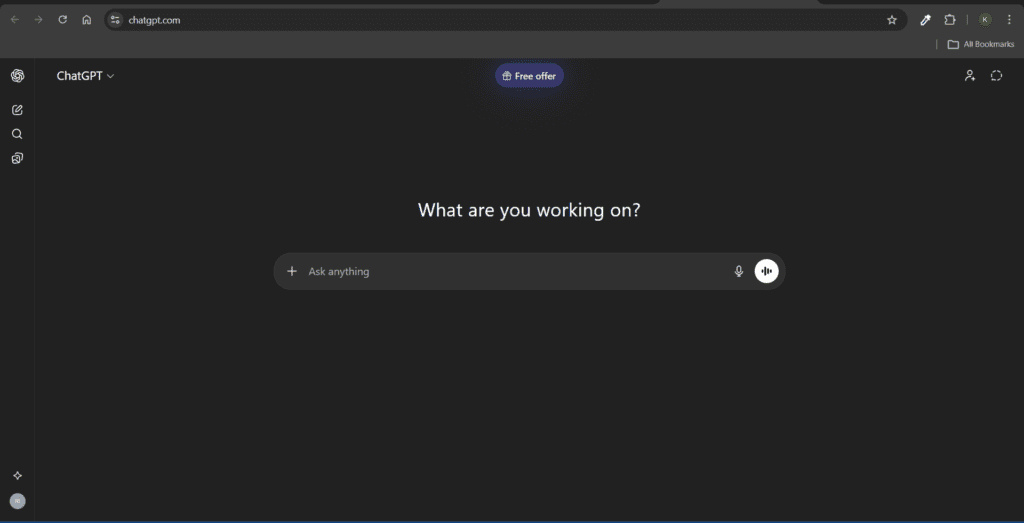
ChatGPT, developed by OpenAI, lets users interact with advanced AI using natural language. Powered by large language models, it understands prompts and delivers clear, context-aware responses, helping writers, marketers, developers, and educators generate content, brainstorm ideas, summarize information, and refine text quickly and efficiently.
Uses
- Generate long-form blog articles.
- Write social media captions and marketing copy.
- Create YouTube scripts and podcast outlines.
- Brainstorm blog topics and content ideas.
- Summarize complex information
- Rewrite and improve existing content.
Key Features
• Natural language understanding and conversation-based AI
• Long-form blog and article generation
• Content summarization and rewriting
• Idea brainstorming and topic generation
• Code generation and problem-solving assistance
Pros
• Highly versatile for multiple tasks
• Generates detailed and structured content
• Supports various industries and niches
• Fast response and idea generation
• Helpful for research and content planning
Cons
• Requires well-written prompts for best results
• Some advanced capabilities require paid plans
• Can occasionally produce outdated or inaccurate information
• Needs human editing for publishing-ready content
• Not always perfectly optimized for SEO automatically
To read more articles on ChatGPT top 60 prompts for content creation, click here.
2. Canva AI
Development
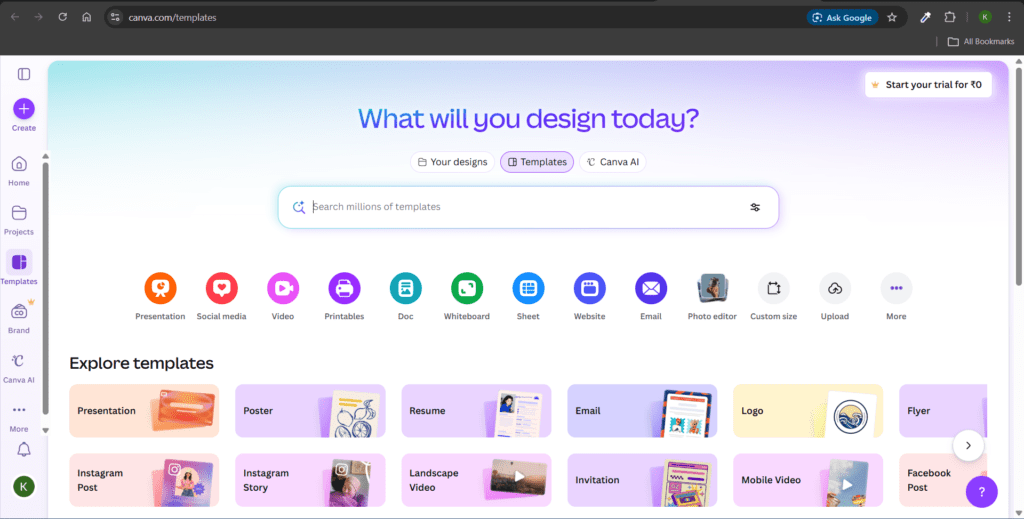
Canva AI, developed by Canva, makes graphic design simple and accessible for creators worldwide. With AI-powered tools for generating layouts, visuals, and text, the platform enables anyone, even beginners with no design experience, to quickly produce professional-quality graphics, presentations, and marketing materials with ease and efficiency.
Canva AI includes features like Magic Design, Magic Write, and AI image generation.
Uses
- Design social media graphics.
- Create blog and YouTube thumbnails.
- Generate AI images and illustrations.
- Design infographics and presentations
- Create marketing materials such as posters and banners.
Key Features
• AI-powered Magic Design for instant layouts
• AI image generator for creative visuals
• Drag-and-drop graphic editor
• Thousands of templates for social media and marketing
• AI writing assistant (Magic Write)
Pros
• Extremely beginner-friendly
• Large library of templates and assets
• Fast graphic creation process
• Ideal for social media visuals
• Cloud-based and easy collaboration
Cons
• Some premium templates require a paid plan
• Limited customization compared to advanced design tools
• AI image generation is limited in the free plan
• Heavy designs may slow down the editor
• Advanced branding tools require a subscription
3. Jasper AI
Development
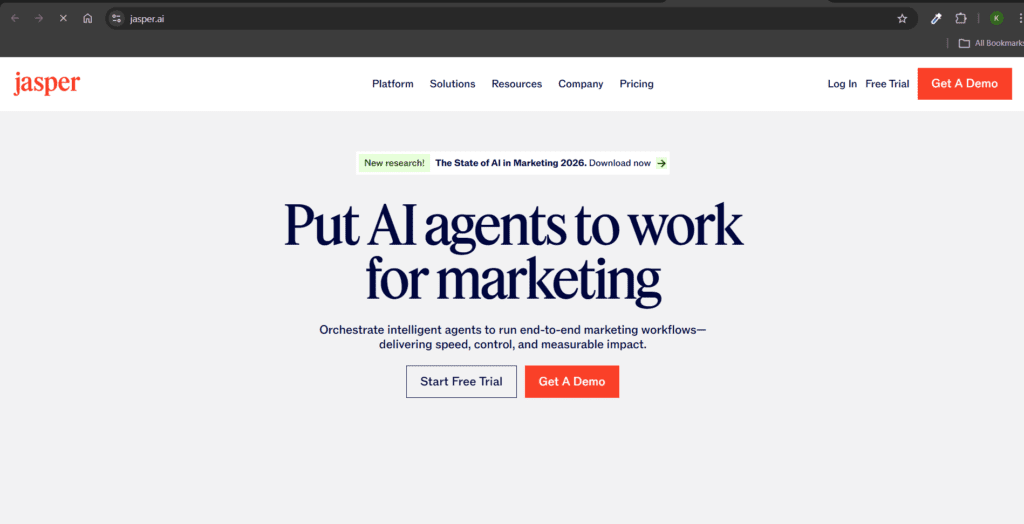
Jasper AI, developed by Jasper, is an AI-powered content platform designed to help businesses automate and scale their marketing content. Using advanced AI language models, it generates blog articles, ad copy, email campaigns, and product descriptions while maintaining a consistent brand voice, enabling teams to produce high-quality content faster and streamline their marketing efforts.
Uses
- Generate SEO-optimized blog articles.
- Write marketing campaigns
- Create email marketing content.
- Produce product descriptions
- Maintain consistent brand voice.
Key Features
• AI-powered marketing content generation
• Brand voice training for consistent tone
• Blog article and copywriting assistance
• Marketing campaign content generation
• SEO-friendly content creation
Pros
• Strong focus on marketing content
• Maintains consistent brand voice
• Supports multiple writing templates
• Useful for business content teams
• Produces structured marketing copy
Cons
• Limited free plan availability
• Higher pricing compared to many AI tools
• Learning curve for beginners
• Output sometimes requires editing
• Best features locked behind premium plan
4. Copy.ai
Development
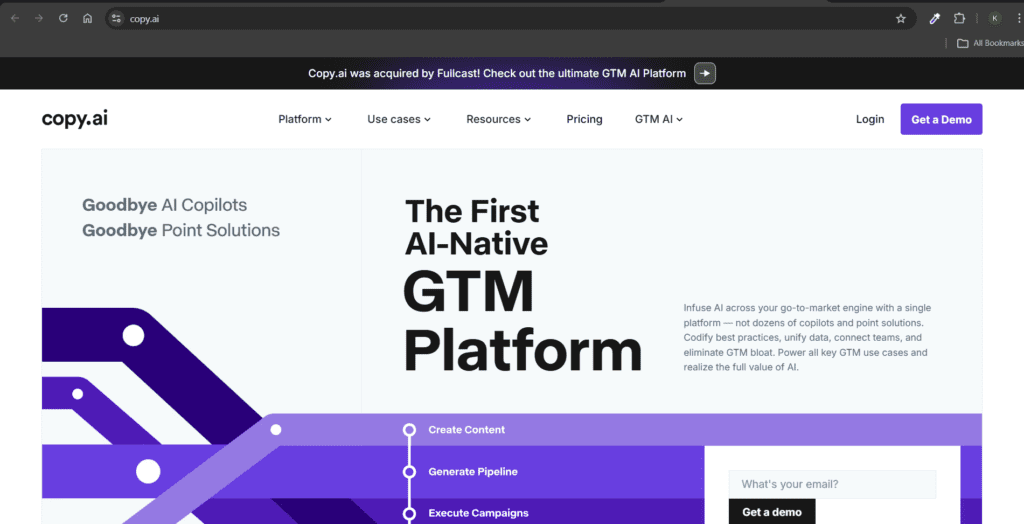
Copy.ai, developed by Copy.ai, is an AI-powered writing platform designed to streamline the creation of marketing and business content. Using AI-driven prompts, it supports users in quickly generating ad copy, social media posts, product descriptions, and email campaigns, enabling marketers, entrepreneurs, and content teams to produce engaging, high-quality content more quickly and efficiently.
Uses
- Generate social media posts.
- Write advertising copy
- Create product descriptions
- Generate blog outlines
- Produce email newsletters
Key Features
• AI-based marketing copy generator
• Blog outline and headline generation
• Social media content generation
• Product description creation
• Email marketing content automation
Pros
• Very fast content generation
• Easy interface for beginners
• Many marketing templates available
• Good for social media content
• Helps generate multiple content variations
Cons
• Long-form content sometimes lacks depth
• Requires editing for high-quality output
• Free plan has limited usage
• SEO optimization features are limited
• Content tone sometimes repetitive
5. Writesonic
Development
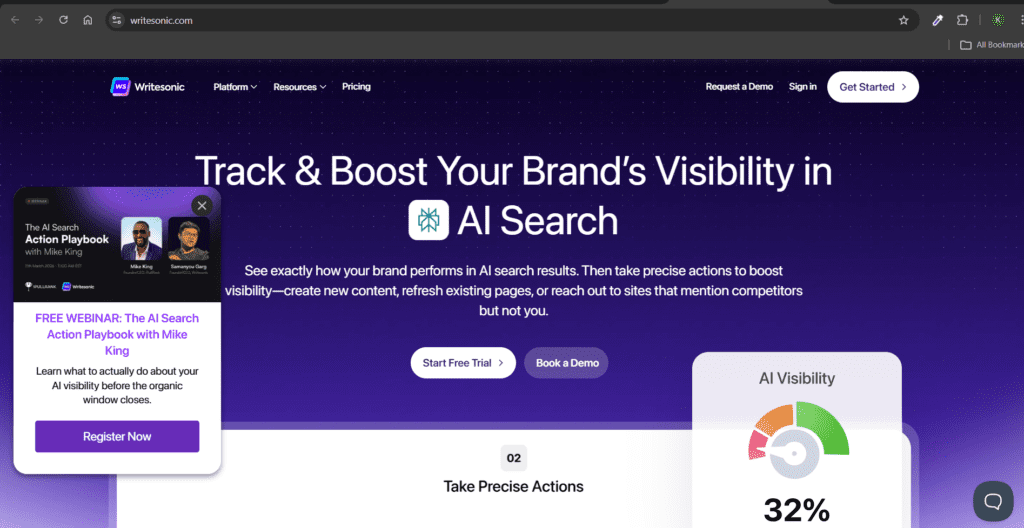
Writesonic empowers AI-powered tools that assist writers in producing SEO-optimized content for blogs and websites. Analyzing keywords, search intent, and competitor content helps generate high-quality articles, landing pages, and marketing copy optimized to rank well in search engines, enabling marketers, bloggers, and businesses to boost online visibility, save time, and maintain content quality.
Uses
- Write SEO blog articles.
- Generate landing page content.
- Create advertising copy
- Produce blog introductions and outlines.
Key Features
• AI-powered blog article generator
• Landing page content creator
• SEO-focused content writing tools
• Chat-based writing assistant
• Marketing copy generation
Pros
• Good for SEO blog content
• Supports multiple languages
• Fast article generation
• Helpful for marketing content
• Beginner-friendly interface
Cons
• Free plan has limited credits
• Long articles sometimes require editing
• AI may repeat similar phrases
• Advanced SEO tools are limited
• Quality depends on prompt clarity
To read more articles like this, click here.
6. Notion AI
Development
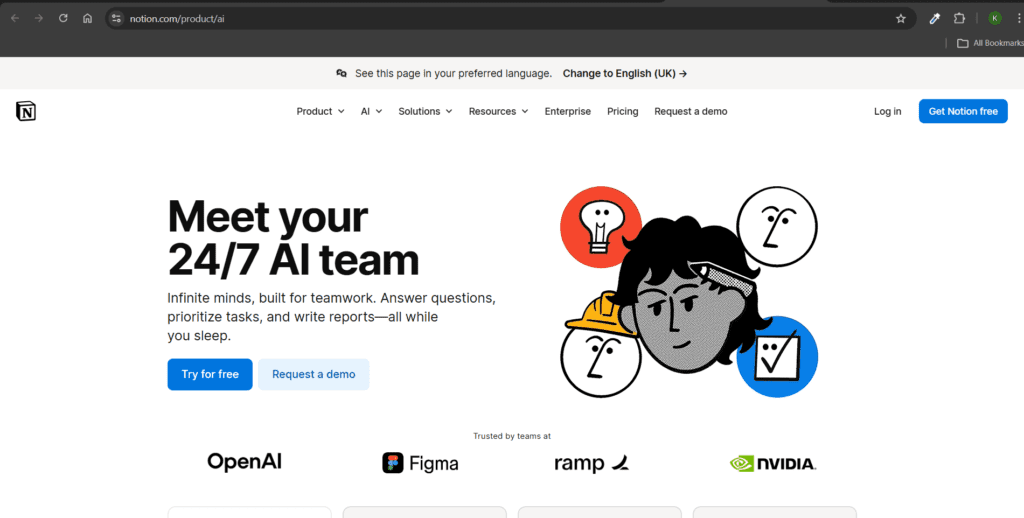
Notion AI, developed by Notion Labs, integrates artificial intelligence directly into the productivity workspace to enhance efficiency. It helps users write, summarize documents, generate ideas, and organize information, enabling individuals and teams to manage projects, notes, and content more effectively while streamlining their overall workflow within the platform.
Uses
- Summarize notes and documents.
- Generate blog ideas and outlines.
- Organize content planning
- Create automated meeting summaries.
Key Features
• AI writing assistant integrated in the workspace
• Document summarization tool
• Automatic meeting notes generation
• Content planning and organization tools
• Idea generation and brainstorming
Pros
• Great for productivity and organization
• Integrates with project management tools
• Ideal for teams and collaboration
• Helps manage knowledge bases
• Saves time in documentation
Cons
• Requires Notion workspace familiarity
• Limited creative writing ability
• Some AI features require a paid plan
• Not specialized for SEO content
• AI responses can be brief sometimes
7. Grammarly AI
Development
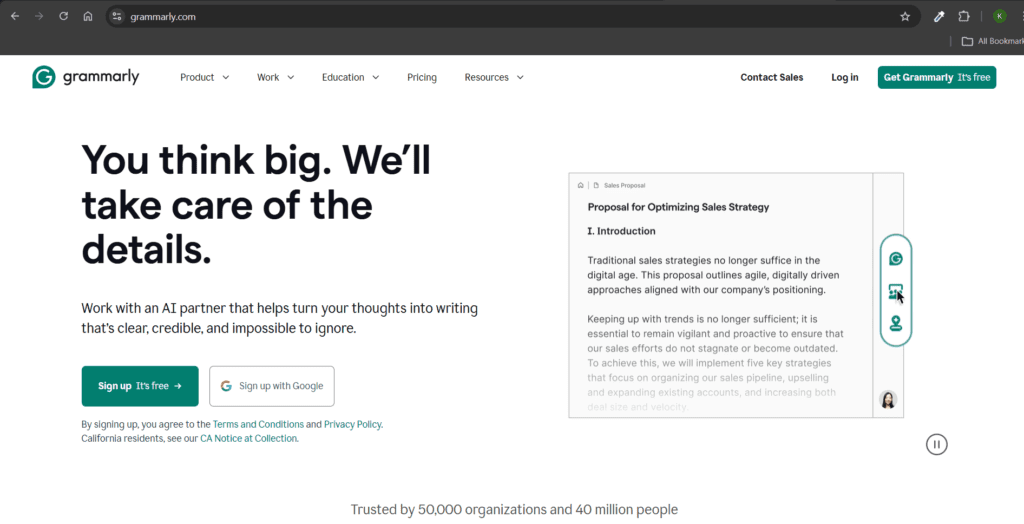
Grammarly developed its AI writing assistant to help users communicate more clearly and professionally. The tool analyzes grammar, spelling, tone, and clarity, providing real-time suggestions to enhance writing quality. Widely used by students, professionals, and businesses, it ensures accuracy, improves readability, and refines tone, making written communication polished, effective, and impactful.
Uses
- Correct grammar and spelling
- Improve writing clarity
- Suggest better vocabulary
- Adjust tone and style.
- Detect plagiarism
Key Features
• Grammar and spelling correction
• Writing clarity improvement
• Tone detection and adjustment
• Vocabulary enhancement suggestions
• Plagiarism detection tool
Pros
• Improves writing quality instantly
• Easy browser and app integration
• Useful for students and professionals
• Helps maintain professional tone
• Real-time suggestions
Cons
• Free version has limited features
• Premium plan required for advanced suggestions
• Sometimes suggests unnecessary changes
• Not designed for long-form content generation
• Plagiarism tool only in paid version
8. Pictory AI
Development
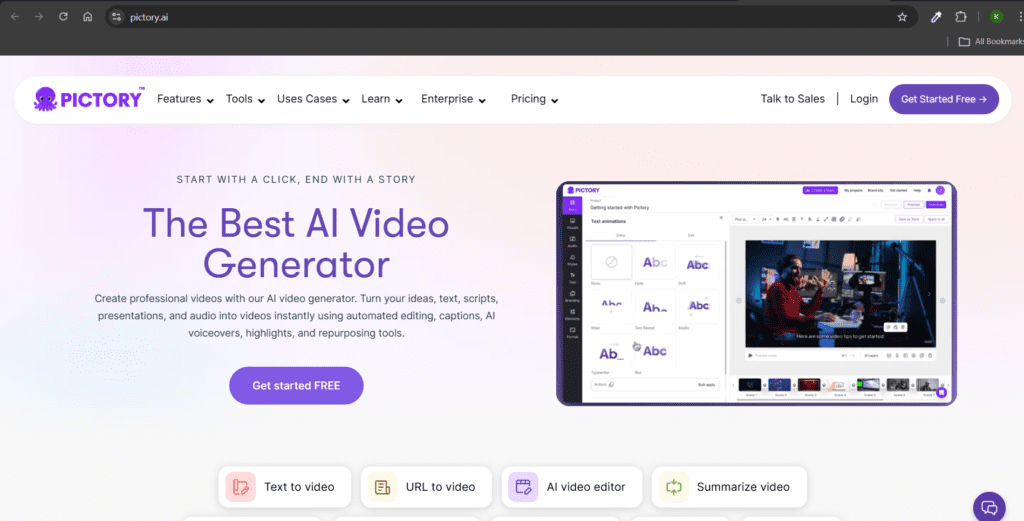
Pictory AI was created by Pictory to convert written content into professional videos using artificial intelligence. The platform enables users to transform scripts, blog posts, and articles into engaging visual presentations by automatically adding visuals, captions, and music, thereby significantly reducing manual editing and making video production faster and more accessible for creators.
Uses
- Convert blog posts into videos.
- Create short social media videos.
- Generate captions automatically
- Add stock footage to videos.
Key Features
• Blog-to-video conversion
• Automatic video caption generation
• AI-powered video editing
• Stock footage integration
• Text-to-video conversion
Pros
• Converts articles into videos quickly
• Saves time on video editing
• Beginner-friendly video creation
• Useful for social media content
• No advanced editing skills required
Cons
• Limited customization options
• Free version has restrictions
• Video templates may feel repetitive
• Stock footage selection limited
• Some editing features require a subscription
9. Lumen5
Development
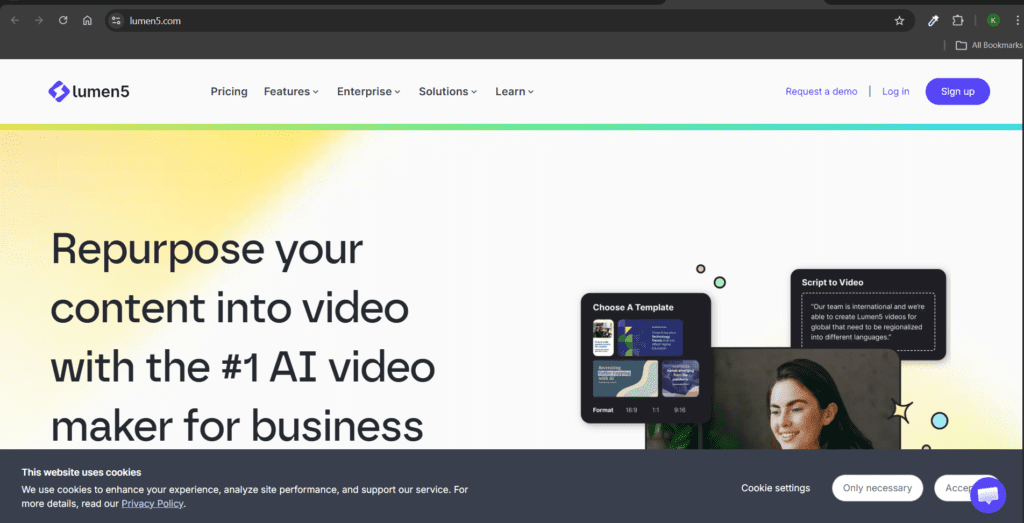
Lumen5 was developed by the company Lumen5 with the vision of helping businesses and creators easily transform written content into engaging videos. The platform was designed to simplify video production for marketing and social media. By using artificial intelligence, Lumen5 automatically converts blog posts and articles into visual stories, enabling creators to produce professional video content quickly without requiring advanced editing skills.
Uses
- Convert blog posts into videos.
- Create promotional videos
- Produce social media content.
- Build brand storytelling videos.
Key Features
• AI-powered video content creator
• Blog-to-video conversion
• Social media video templates
• Drag-and-drop video editor
• Brand customization tools
Pros
• Easy video creation process
• Great for marketing videos
• Ideal for beginners
• Saves time on editing
• Good template library
Cons
• Limited advanced editing tools
• Free plan has a watermark
• Video customization is limited
• AI scene suggestions are sometimes inaccurate
• Not ideal for cinematic editing
10. Synthesia
Development
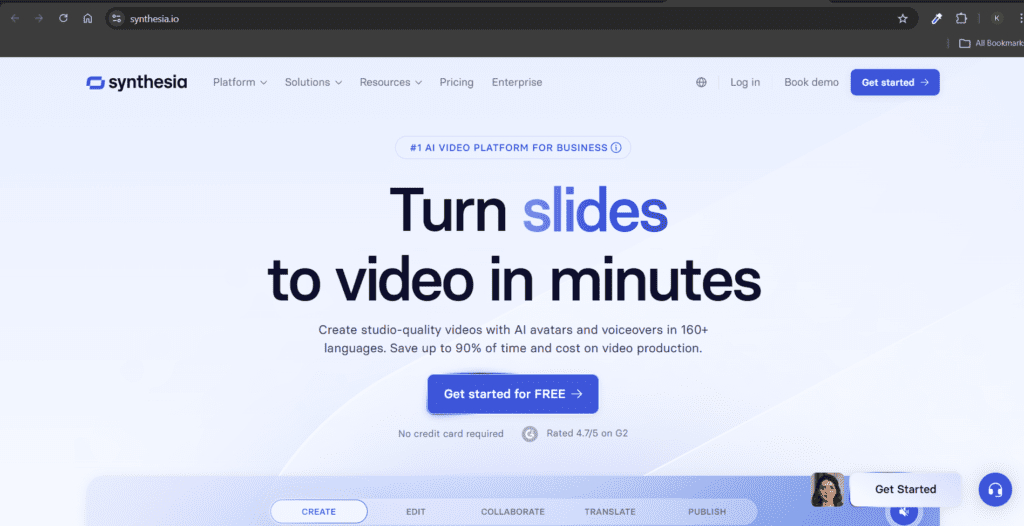
Synthesia was developed by Synthesia Ltd. to transform traditional video production by using artificial intelligence to automate and simplify the process of creating professional videos. The platform was designed to make video creation possible without the need for cameras, filming equipment, or professional actors. Through realistic AI avatars and advanced text-to-speech technology, Synthesia enables users to convert written scripts into professional videos for training, education, marketing, and business communication.
Uses
- Create AI avatar videos.
- Produce training videos
- Generate educational tutorials
- Build product demonstrations
Key Features
• AI avatar video generation
• Text-to-speech video narration
• Multiple language support
• Professional training video creation
• Custom avatar capability
Pros
• High-quality AI avatar videos
• Useful for training and tutorials
• Supports many languages
• Saves video production cost
• Easy script-to-video workflow
Cons
• Limited free access
• Avatar expressions sometimes robotic
• Advanced features require a subscription
• Not ideal for entertainment videos
• Editing flexibility is limited
11. Rytr
Development
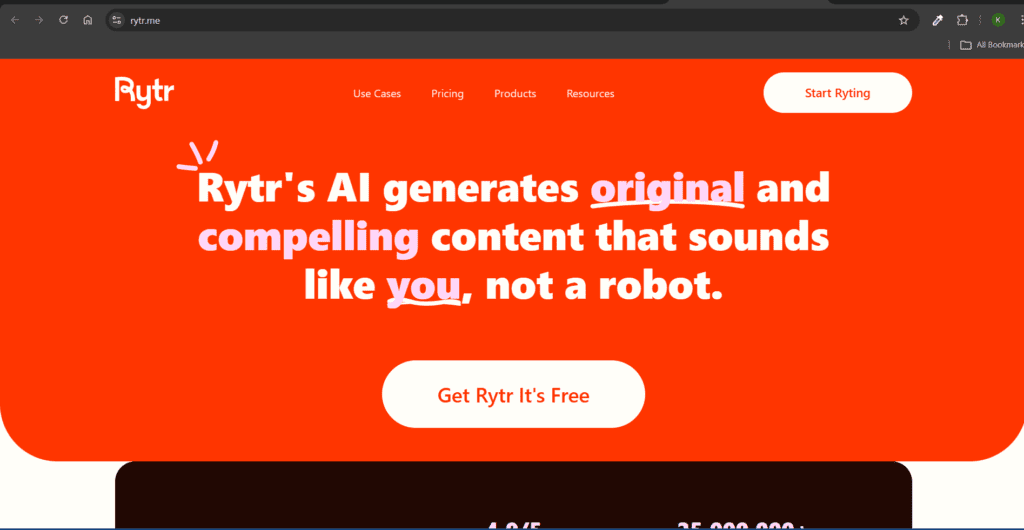
Rytr was developed by the Rytr team to provide an affordable AI writing assistant for freelancers, entrepreneurs, and small businesses. The platform was developed to simplify everyday writing tasks, enabling users to quickly generate marketing copy, emails, blog posts, and social media content with ease and efficiency. Rytr focuses on making AI writing accessible, allowing users to produce clear and engaging content with minimal effort.
Uses
- Generate blog content
- Write marketing copy
- Create email responses
- Produce social media captions.
Key Features
• AI writing assistant for content creation
• Blog article and copywriting generation
• Social media caption creator
• Email writing assistant
• Multiple writing tones
Pros
• Affordable AI writing tool
• Simple and fast interface
• Good for freelancers
• Supports many writing styles
• Useful for short-form content
Cons
• Long-form writing quality is limited
• Requires editing for professional output
• Free plan has character limits
• Not as advanced as other AI writers
• Limited SEO features
12. Surfer AI
Development
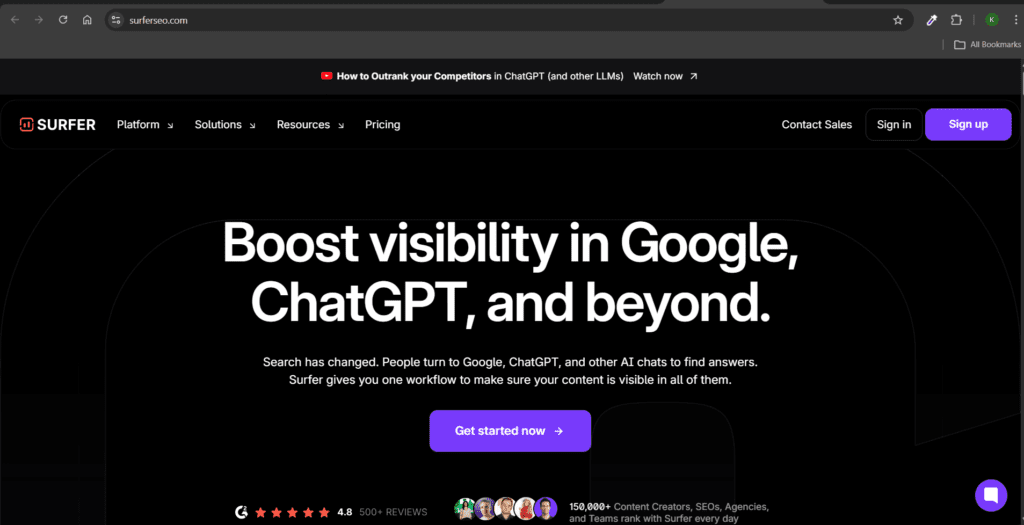
Surfer AI was developed by the Surfer SEO team to help content creators produce highly optimized articles for search engines. The vision behind the tool was to combine artificial intelligence with data-driven SEO analysis. Surfer AI analyzes competitor websites and search engine insights to help writers in creating content that aligns with user intent, boosting its relevance and improving the chances of ranking higher in search results.
Uses
- Optimize blog posts for SEO.
- Analyze competitor articles
- Suggest keyword placement
- Improve readability
Key Features
• AI-powered SEO content optimization
• Competitor content analysis
• Keyword density suggestions
• SERP analysis tools
• Content scoring system
Pros
• Strong SEO optimization features
• Helps improve Google ranking chances
• Data-driven content insights
• Useful for bloggers and marketers
• Integrates with writing tools
Cons
• The free version offers limited usage and features.
• Beginners may need some time to learn and use the platform effectively.
• Basic knowledge of keyword research is required to use the tool efficiently.
• Premium plans can be relatively expensive for individual creators.
• Some content suggestions may occasionally feel repetitive.
13. QuillBot
Development
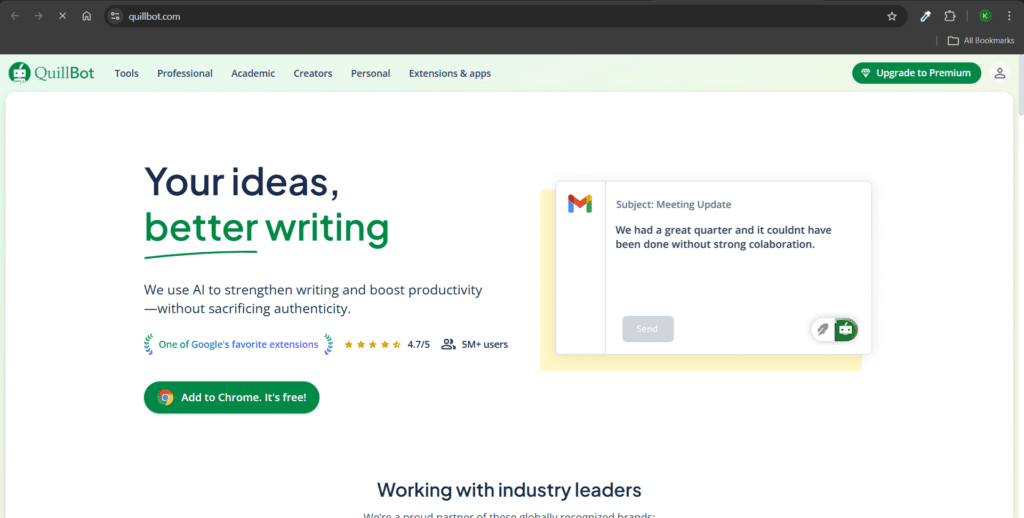
QuillBot was developed by QuillBot Inc. with the goal of helping writers improve and refine their text using artificial intelligence. The platform focuses on paraphrasing, summarizing, and enhancing written content. Its vision was to make writing clearer and more accessible for students, researchers, and professionals by providing tools that simplify complex sentences and improve readability while maintaining the original meaning.
Uses
- Paraphrase sentences
- Summarize long articles
- Improve writing clarity
- Simplify complex text
Key Features
• AI paraphrasing tool
• Article summarization
• Grammar checking
• Multiple paraphrasing modes
• Citation generator
Pros
• Excellent paraphrasing capability
• Easy to use interface
• Helps rewrite content quickly
• Useful for students and writers
• Multiple rewriting styles
Cons
• Free version word limit
• Paraphrasing is sometimes unnatural
• Not designed for full article generation
• Limited SEO optimization
• Premium features locked
14. Midjourney
Development
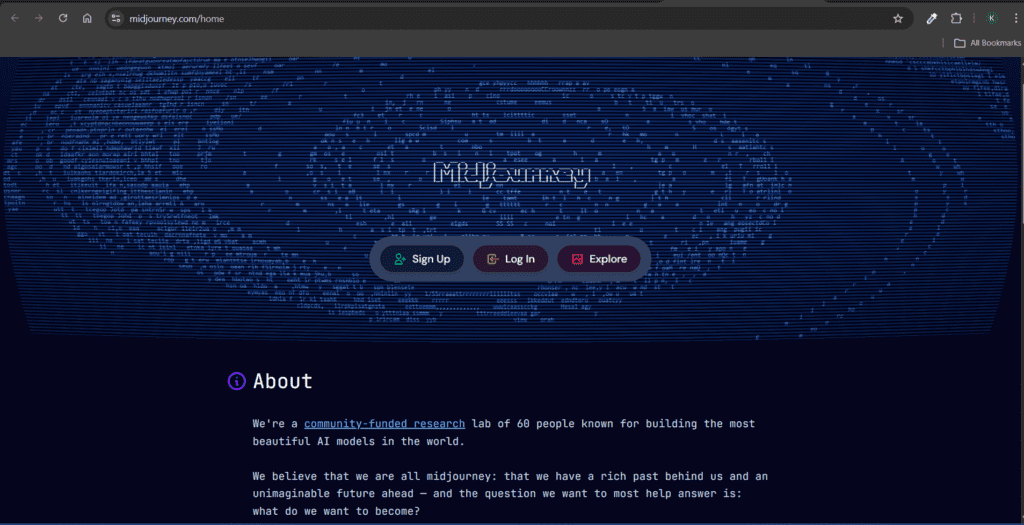
Midjourney was created by the independent research lab Midjourney to explore new possibilities in AI-generated art and creative expression. The vision behind the platform was to allow people to turn text descriptions into visually stunning digital artwork. By combining artificial intelligence with artistic experimentation, Midjourney helps designers, creators, and marketers generate unique visuals and concept art quickly.
Uses
- Generate digital artwork
- Create blog illustrations
- Produce marketing visuals
- Design concept art
Key Features
• AI-generated digital artwork
• Text-to-image generation
• High-quality artistic visuals
• Concept art generation
• Creative design experimentation
Pros
• Produces stunning visuals
• Great for artistic designs
• High-resolution images
• Useful for marketing visuals
• Unique creative styles
Cons
• Requires Discord usage
• Free access is limited
• Prompt learning curve
• Not ideal for precise graphic design
• Image editing is limited
15. DALL-E
Development
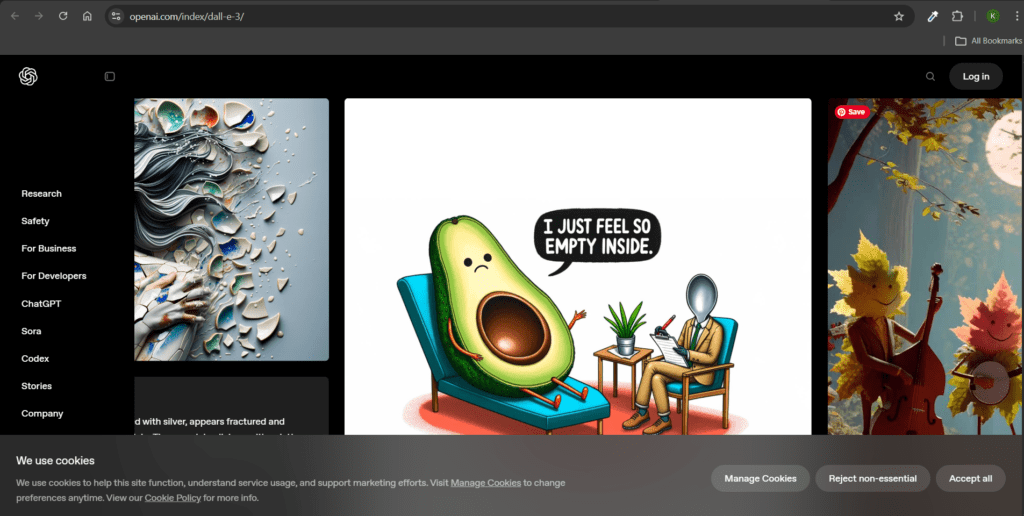
DALL-E was developed by OpenAI as an advanced artificial intelligence system capable of generating images from text prompts. The vision behind the project was to push the boundaries of creativity by allowing users to describe ideas in words and instantly generate visuals. DALL-E demonstrates how AI can combine language understanding and image generation to create unique illustrations and imaginative artwork.
Uses
- Generate custom illustrations
- Create marketing graphics
- Produce creative artwork
- Design blog visuals
Key Features
• AI text-to-image generator
• Custom illustration creation
• Image editing and expansion
• Creative concept visualization
• High-quality digital artwork generation
Pros
• Generates unique visuals
• Useful for blog graphics
• Supports creative experimentation
• Easy prompt-based generation
• Good integration with writing workflows
Cons
• Free generation limits
• Some prompts produce inconsistent results
• Complex scenes may sometimes be generated inaccurately.
• Requires prompt experimentation
• High-quality images may require credits
16. Runway ML
Development
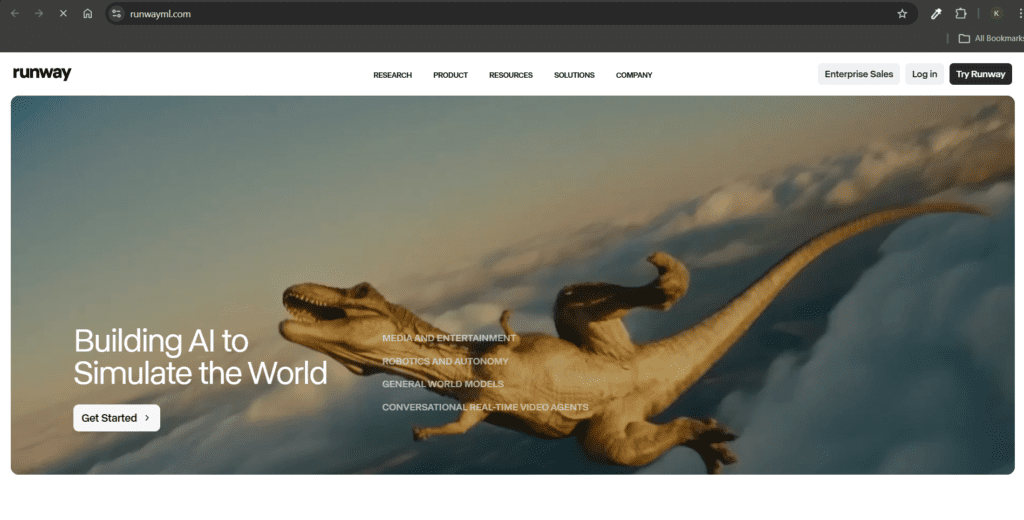
Runway ML was developed by Runway to bring powerful artificial intelligence tools into the hands of creative professionals. The platform was designed with the vision of simplifying advanced video editing and visual effects using AI technology. Runway ML allows creators to edit videos, remove backgrounds, generate visual effects, and experiment with generative media, making complex video production processes faster and more accessible.
Uses
- Edit videos using AI.
- Remove video backgrounds
- Generate visual effects
- Produce cinematic edits
Key Features
• AI video editing tools
• Background removal in videos
• AI visual effects generation
• Motion tracking tools
• Text-to-video experimentation
Pros
• Powerful AI video editing
• Useful for creators and filmmakers
• Innovative AI features
• Speeds up editing workflow
• Supports creative video projects
Cons
• Advanced features require a paid plan
• Learning curve for beginners
• Heavy processing requirements
• Free version limited
• Not ideal for simple editing tasks
17. Descript
Development
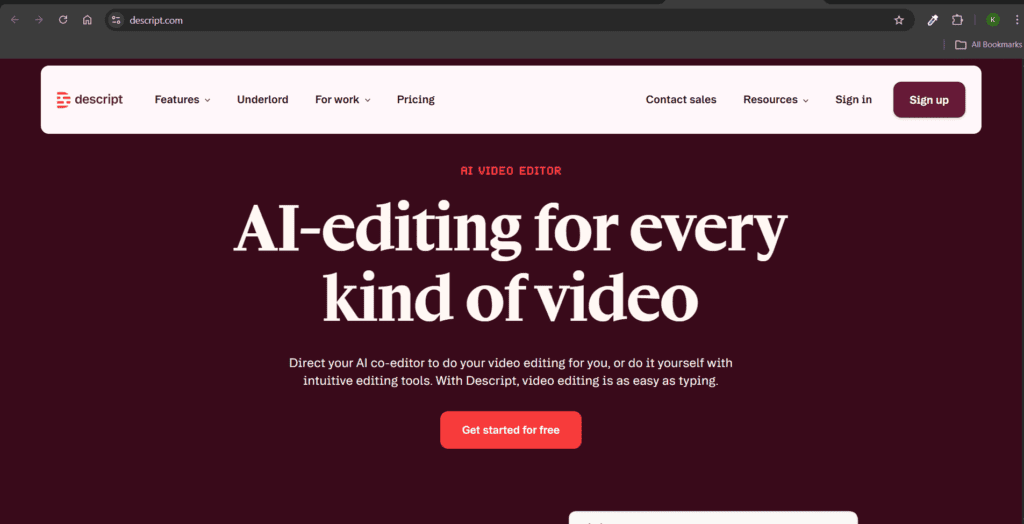
Descript was developed by the company Descript to simplify audio and video editing through a text-based workflow. The vision behind the platform was to make media editing as easy as editing a document. By allowing users to edit audio and video simply by modifying the transcript, Descript helps podcasters, YouTubers, and creators produce high-quality media content efficiently.
Uses
- Edit podcasts easily
- Remove filler words
- Generate transcripts
- Edit video through text.
Key Features
• Text-based audio and video editing
• Automatic transcription generation
• Filler word removal
• Podcast editing tools
• Screen recording and editing
Pros
• Very easy podcast editing
• Accurate transcription feature
• Time-saving editing workflow
• Useful for YouTubers and podcasters
• Intuitive interface
Cons
• Free version limited
• Requires editing knowledge for best results
• Heavy projects may slow down the software
• Advanced features paid
• Some AI voice features are restricted
18. Murf AI
Development
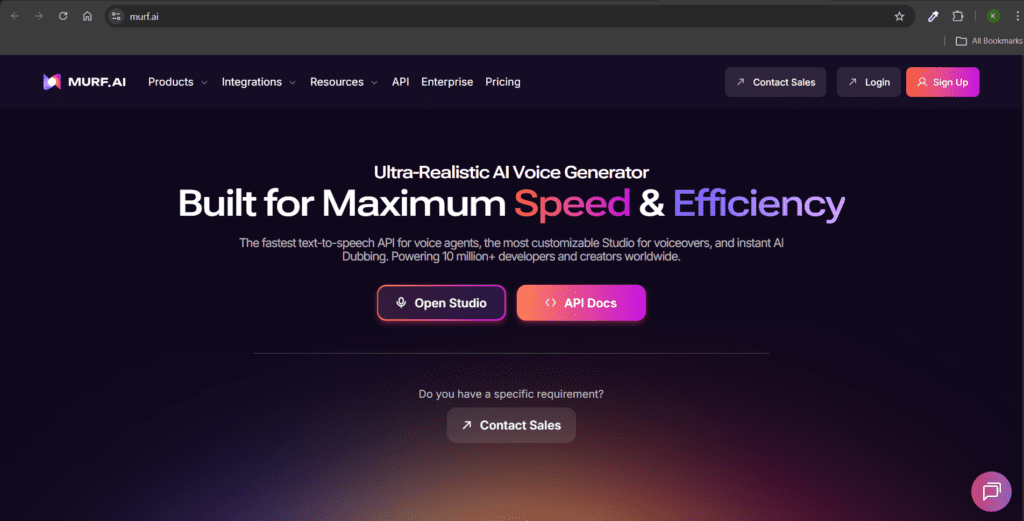
Murf AI was developed by Murf to provide realistic AI voice generation for digital content creators. The platform was designed with the vision of making professional voiceovers accessible without the need for recording studios or voice actors. By converting text into natural-sounding speech, Murf AI enables businesses, educators, and creators to produce high-quality narration for videos, podcasts, and presentations.
Uses
- Generate voiceovers
- Create narration for videos.
- Produce podcast audio
- Convert scripts into speech.
Key Features
• AI voiceover generation
• Natural-sounding speech synthesis
• Multiple voice styles and languages
• Script-to-audio conversion
• Voice customization tools
Pros
• High-quality voiceovers
• Saves recording time
• Useful for videos and podcasts
• Multiple voice options
• Professional narration capability
Cons
• Free version limited
• Some voices sound robotic
• Advanced voices require a subscription
• Limited emotional tone variation
• Editing options restricted
19. Frase AI

Development
Frase AI was created by the company Frase to support content creators in producing SEO-focused content through data-driven research. The platform was designed to make essential content research tasks easier, including discovering topics, evaluating competitor content, and preparing comprehensive content briefs. By leveraging artificial intelligence along with search data insights, Frase AI enables writers to produce well-organized content that aligns with search engine requirements while also addressing the needs and interests of their target audience.
Uses
- Perform SEO research
- Generate article outlines
- Analyze competitor content
- Create content briefs
Key Features
• AI-driven SEO research tools
• Content brief generator
• Competitor content analysis
• Keyword optimization suggestions
• AI article outline generator
Pros
• Strong SEO research capability
• Helpful for content planning
• Improves ranking potential
• Saves research time
• Data-driven insights
Cons
• Free version limited
• Learning curve for beginners
• Requires SEO understanding
• Advanced tools require a subscription
• Not primarily designed for full article writing
Best Free AI Tools for Content Creation (Comparison Table)
| Tool | Category | Best For | Key Advantage |
| ChatGPT | AI Writing | Blogging & scripts | High-quality text generation |
| Canva AI | Design | Social media visuals | Beginner-friendly design |
| Jasper AI | Marketing | Copywriting | Brand voice control |
| Pictory AI | Video | Blog-to-video conversion | Fast video creation |
| Grammarly AI | Editing | Writing improvement | Grammar accuracy |
| Midjourney | Image generation | AI artwork | Stunning visuals |
| Descript | Audio/Video | Podcast editing | Text-based editing |
| Murf AI | Voice generation | Voiceovers | Natural speech |
How to Select the Right AI Tools for Your Content Workflow
Selecting the right AI tools depends on your content goals and workflow.
For Bloggers
Best tools include ChatGPT, Writesonic, Surfer AI, and Frase AI.
For Social Media Creators
Canva AI, Copy.ai, and Midjourney are excellent options.
For Video Creators
Pictory AI, Synthesia, and Runway ML provide powerful video capabilities.
For SEO Content
Surfer AI and Frase AI help optimize content for higher search rankings.
Frequently Asked Questions (FAQs)
1. What are AI tools for content creation?
AI tools for content creation are software platforms that use machine learning to generate text, images, videos, and other digital content automatically.
2. Are free AI tools reliable?
Yes. Many free AI tools offer robust capabilities that effectively support bloggers, marketers, and content creators in producing high-quality content.
3. Can AI replace human content creators?
AI enhances productivity but cannot replace human creativity, storytelling, and strategic thinking.
4. Which AI tool is best for writing blogs?
ChatGPT, Jasper AI, and Writesonic are among the best AI writing tools for blog content.
5. What AI tools are best for graphic design?
Canva AI, Midjourney, and DALL-E are excellent for creating visual content.
6. Can AI tools help with SEO?
Yes. Tools like Surfer AI and Frase AI analyze search data and help optimize content for better rankings.
7. Are AI tools beginner-friendly?
Most modern AI platforms have intuitive interfaces that make them easy to use.
8. How do AI tools improve productivity?
They automate repetitive tasks, generate ideas faster, and reduce the time required to produce content.
Conclusion
Artificial intelligence is rapidly transforming the way digital content is produced and distributed. Tasks that once required hours of manual work can now be completed within minutes using advanced AI platforms.
The 19 Best Free AI Tools for Content Creation in 2026 highlighted in this guide represent some of the most powerful technologies available to creators today. Modern AI-driven tools—including writing assistants, graphic design platforms, video editing applications, and SEO optimization software—enable creators to generate high-quality content at a much faster pace, simplify complicated production workflows, and enhance overall efficiency throughout the content development lifecycle.
The key to success is not simply using AI but using it strategically. By combining AI-driven automation with creativity, storytelling, and audience understanding, creators can build scalable content systems that support long-term growth.
To stay competitive in the rapidly evolving digital landscape, adopting the right free AI tools for content creation can significantly enhance both productivity and content quality.
The sooner you integrate AI into your workflow, the faster you can create impactful content and expand your online presence.
About the Author: Krishna Kumar is an educator at CBSE HUB and a digital tool explorer.